
 Log in / Register


South Shore Line Tutorial
Part 1 Order a South Shore Line pass from WageWorks
Step 1: Log onto your account on www.wageworks.com
Step 2: Click on the "Commuter" link. Next, select "Enroll in Commuter" and then "Commuter Transit." Select “South Shore Line” as the service provider.
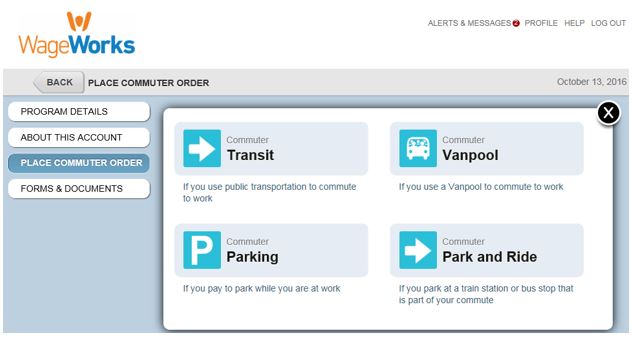
Step 3: Choose which product you want:
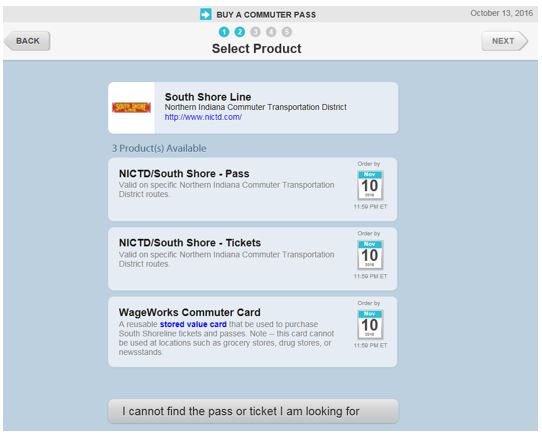
Step 4: Select your origin and destination and click “next”.

Step 5: Confirm your contact information and click “next”
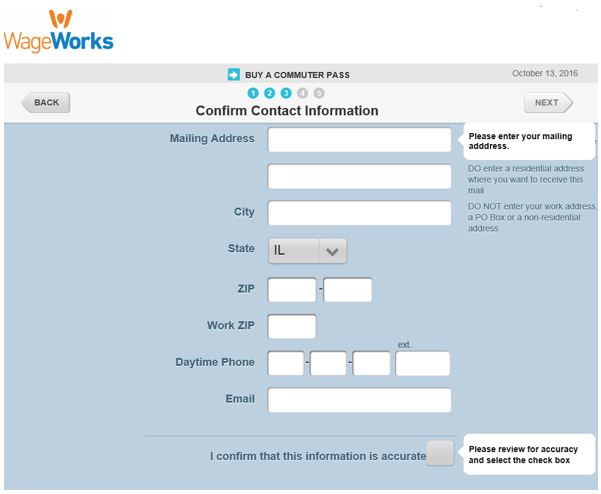
Step 6: Submit your order

WageWorks will send you your pass by the first of the intended benefit month. If you do not receive your pass by the 1st, please reach out to our customer service department at (877) 924-3967.