Log in / Register


Sun Tran App Tutorial
You will need to elect for the WageWorks Commuter Card first, before using the SunGo app. Once you receive your WageWorks Commuter Card, you can use it on the SunGo app.
Step 1: Log onto your account on www.wageworks.com
Step 2: Click on the "Commuter" link. Next, select "Enroll in Commuter" and then "Commuter Transit." Finally, select one of the Sun Tran services as the service provider.
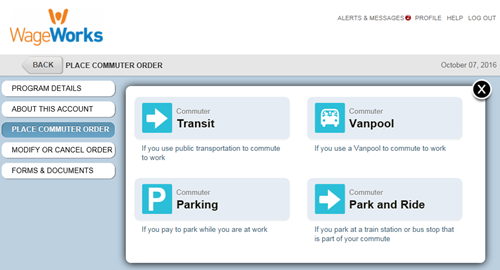
Step 3: Select the "WageWorks Commuter Card" pass product.

Step 4: Select the amount you would like to have on your Commuter Card. To determine this amount, please identify how much you will need to support your monthly commute needs.
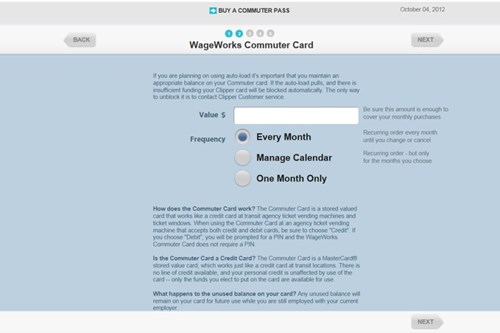
Step 5: Complete your order.
Please note: the Commuter Card funds load on the 20th of the month prior to the benefit month. The value will not be available until that date.
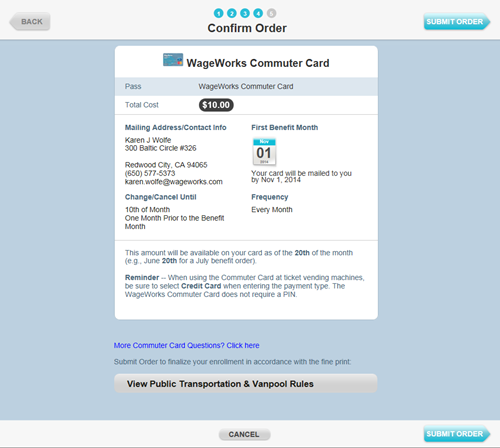
When you receive your WageWorks Commuter Card, you can link it to the SunGo App.
Download the Go Tuscon Transit App
Go to the iTunes App store or Google Play store and search - Go Tuscon Transit

Sign Up/Log In
Open the application and Sign Up or Log In if you have an existing account
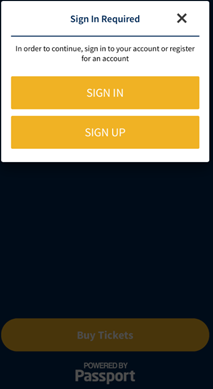
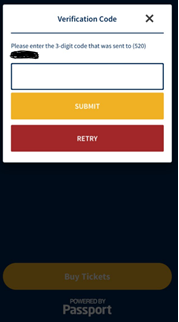
- Enter your email or phone number and wait for a verification code.
- Once you receive your verification code, enter your 3 digit code.
- Create a new 4-digit pin and re-enter to confirm.
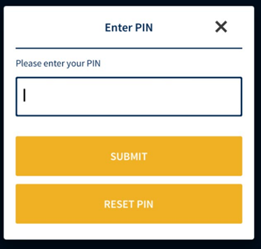
Select Your Fare
Select your type of fare from the options.
- Please note: once you select 30-Day Pass, under Fare type, select 30-Day Express Pass
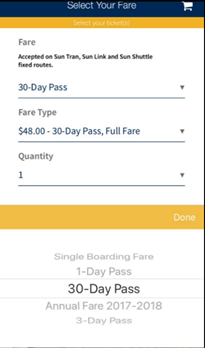
Click Done
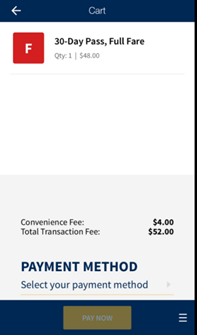
Select Cart/Payment Method
- Click on Pay NOW
- Select the credit card you just entered
- Review your purchase and click yes
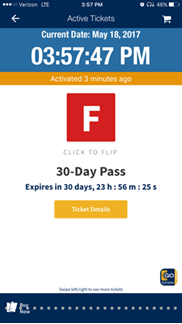
- View your live ticket
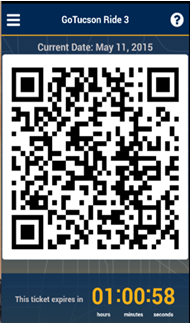
- Click the yellow icon in the bottom right of the screen to bring up a live QR Code
- Show this to the bus operator when you board the bus